Prompt
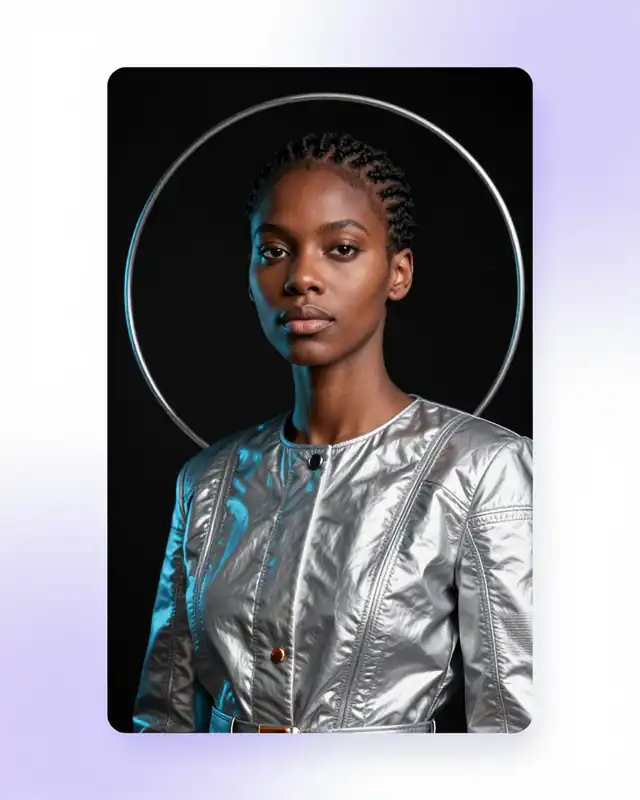
Studio portrait with soft rim light, natural texture, and editorial framing.
Start with a prompt or reference. Choose the right model, generate first passes, refine the result, and export without switching tools.
Goglo keeps the brief, model choice, first passes, refinements, and export in one browser workspace so creators can move from an idea to a usable result without rebuilding the setup.
Image generation currently uses OpenAI GPT Image 2.0, while video generation uses Seedance 2.5. Goglo is an independent product, and model availability may change as providers update their services.
Describe the subject, format, mood, and constraints, or begin with a reference asset.
Select image generation, video generation, or creative editing for the task at hand.
Compare first passes and adjust the prompt, framing, motion, or visual details.
Download the selected result and move it into the campaign, product, or storyboard.
| Workflow | Start with | Use Goglo to | Typical output |
|---|---|---|---|
| Image creation | Text brief or reference image | Generate and refine visual directions | Campaign or product images |
| Video concepts | Prompt or still image | Explore shots, pacing, and motion | Storyboard or short video |
| Creative editing | Existing visual asset | Remove, replace, or enhance details | Ready-to-use revision |
“Model availability and capabilities may change as providers release new versions.”
A curated selection of first-party image, video, and editing work from the Goglo studio.
Studio portrait with soft rim light, natural texture, and editorial framing.
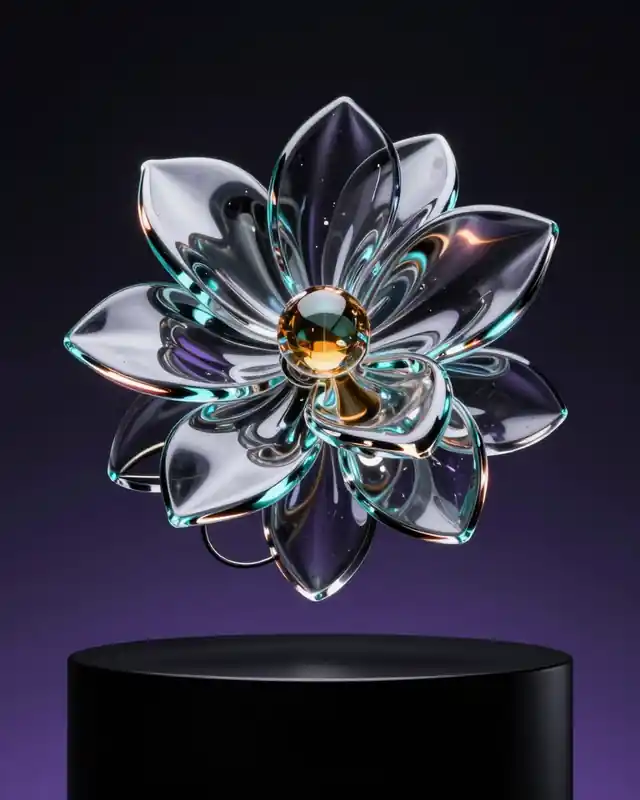
Sculptural campaign visual with controlled light and a clean product focus.

Polished product still with balanced composition and catalogue-ready detail.
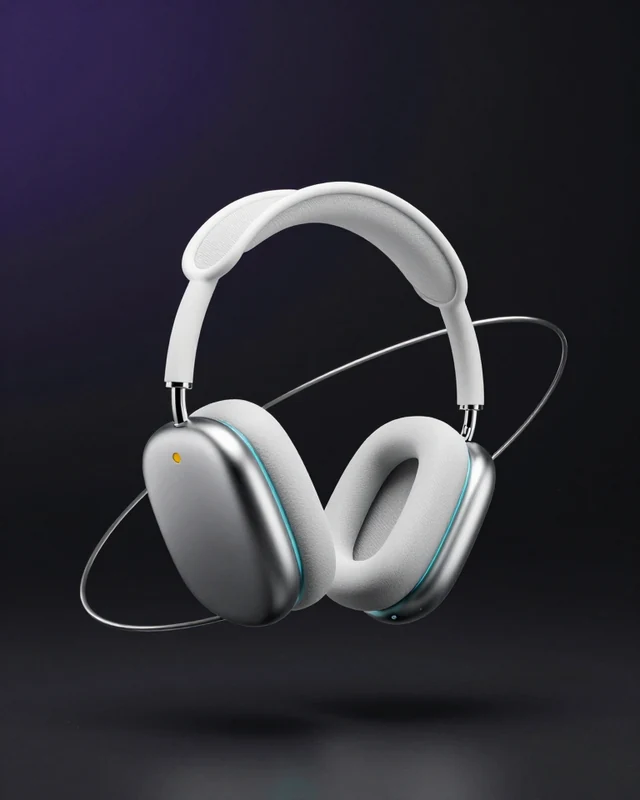
Material and lighting variation for a consistent product campaign system.
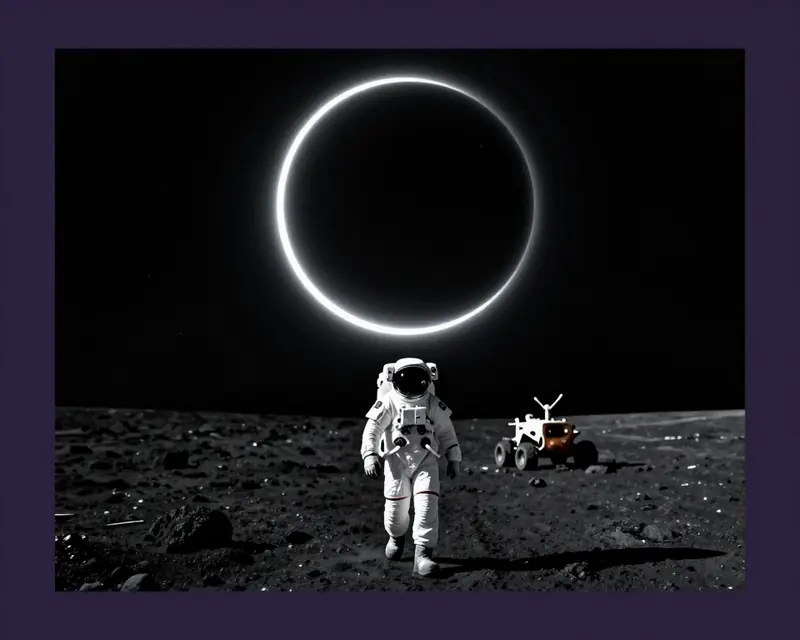
Cinematic storyboard frame with clear composition, pacing, and visual direction.
The right model for every visual task.
Keep your brief, model choice, first passes, refinements, and export connected from start to finish.
Choose the task closest to your goal. Goglo keeps the right image, video, and editing tools in one connected workspace.
Turn a brief or reference into ad concepts, landing-page art, and social assets without rebuilding the setup.
Replace backgrounds, test visual variants, and polish catalogue assets while keeping the original direction intact.

Turn a concept into cinematic shot ideas and iterate on pacing, framing, and motion before production.
Choose the plan that fits your creative workflow. From free trials to enterprise solutions.
View Pricing PlansGoglo AI is an AI creative studio for generating images, exploring video concepts, and refining visual assets in one unified workspace. No complex setup required.
Yes! Start creating for free with complimentary credits. Upgrade anytime to unlock more features and higher limits.
Image and video features are powered by the AI systems available in Goglo. Available options may change as we improve the studio. See the AI transparency page and Terms of Service.
Yes! All content generated on paid plans can be used for commercial purposes, subject to individual model terms and conditions.
Your data is encrypted and processed securely. We use minimal data retention policies and never share your creative work without permission.
With Goglo AI, you can create concept art, marketing visuals, product shots, social assets, and short video ideas. It is built for creators, designers, and teams that need fast visual iteration.
Goglo AI brings image generation, video workflows, and editing tools into one workspace. Instead of jumping between separate products, you can iterate on the same idea from draft to polished output.
Goglo AI is an independent product that brings image and video generation systems into one workspace. We are not sponsored by or affiliated with third-party model owners. See /ai-transparency and our Terms of Service for details.
Sign up for a free account, open the workspace, and start with image generation or video concepts right away. Goglo AI includes starter credits so you can test workflows before upgrading.
Yes. Create an API key from your workspace and use the Goglo AI API for supported image and video workflows. See the API Docs for available endpoints and integration details.
Yes. Goglo AI offers starter credits for new users so you can explore image generation, video workflows, and editing tools before moving to a paid plan.