
1
Product-first visuals
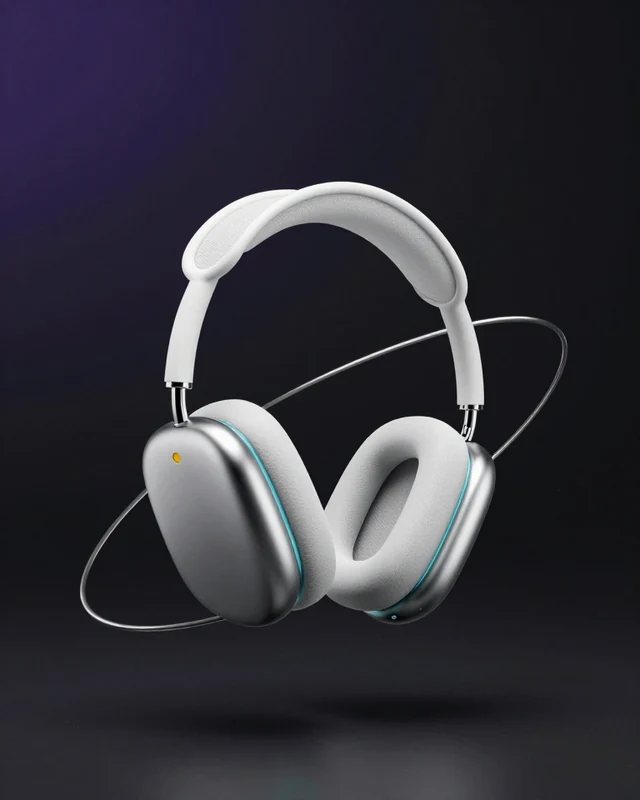
Keep the product recognizable while exploring backgrounds, lighting, composition, and campaign moods.
AI product creative workflow
Use Goglo to shape product information into clear ad directions, then create the product images and short videos your campaign needs.
Start from a product brief, a reference image, or a prompt. Review every result before publishing.
One brief, many formats
The strongest product campaigns keep the product clear while changing the scene, message, and format around it.
Collect the product name, audience, benefits, offer, and any visual references that must stay accurate.
Decide whether the creative should feel like a product demo, lifestyle scene, launch announcement, or social hook.
Use Goglo image and video workflows to explore scenes, compositions, copy directions, and motion ideas.
Compare outputs, keep the strongest direction, and continue editing before the final campaign export.
A useful ad generator gives every output a job in the campaign instead of producing a pile of unrelated images.
Keep the product recognizable while exploring backgrounds, lighting, composition, and campaign moods.
Move from a still product key visual to short motion concepts, product demos, and social-ready clips.
Turn a winning direction into a repeatable prompt so new variants can follow the same visual language.
Use a clear product brief to create the first round of campaign ideas, refresh an existing catalog, or test a new audience angle.
Create hero images and supporting scenes for a new listing or product drop.
Explore scroll-stopping hooks in several crops and visual directions.
Plan creator-style product moments before filming or commissioning content.
Bring a consistent visual system to an existing range of products.
FAQ
A few practical answers before you build your first creative set.
It is a workflow for turning product information, references, and a creative direction into advertising images, video concepts, or campaign variations with generative AI.
Yes. Goglo provides separate image and video workspaces so you can develop a product key visual and motion concepts in the same account.
A product photo helps when the product must remain recognizable, but you can also begin with a detailed product brief or a text prompt.
Treat each result as a creative draft. Review product accuracy, claims, branding, composition, and platform requirements before publishing.
No. Goglo is an independent creative product. This page describes a product advertising workflow and is not an endorsement, partnership, or affiliation with Higgsfield.
Open Goglo to start with product images, explore motion, and build a campaign set you can refine.