
1
Importer la photo source
Choisissez un JPEG, PNG ou autre image fixe avec du grain ou un bruit ISO visible.
Réduisez le grain, le bruit à haute sensibilité et les petits artefacts. Comparez ensuite les contours et les textures.
Chaque tâche envoyée consomme 15 crédits. Ouvrir l’outil ou consulter les exemples ne traite aucune nouvelle photo. Les crédits d’essai dépendent de votre compte.
Résultats existants de l’outil, présentés à la même échelle. Le rendu dépend de la photo source.
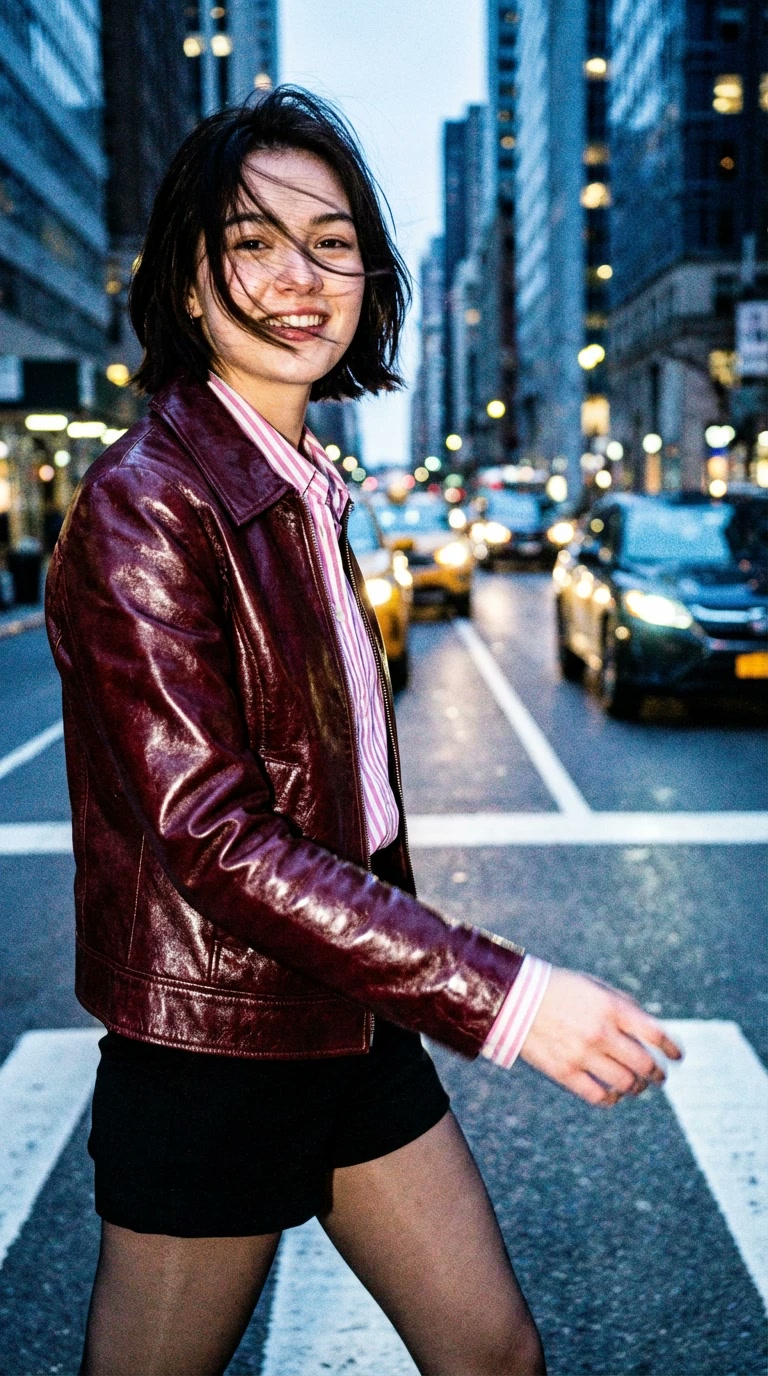 Avant
Avant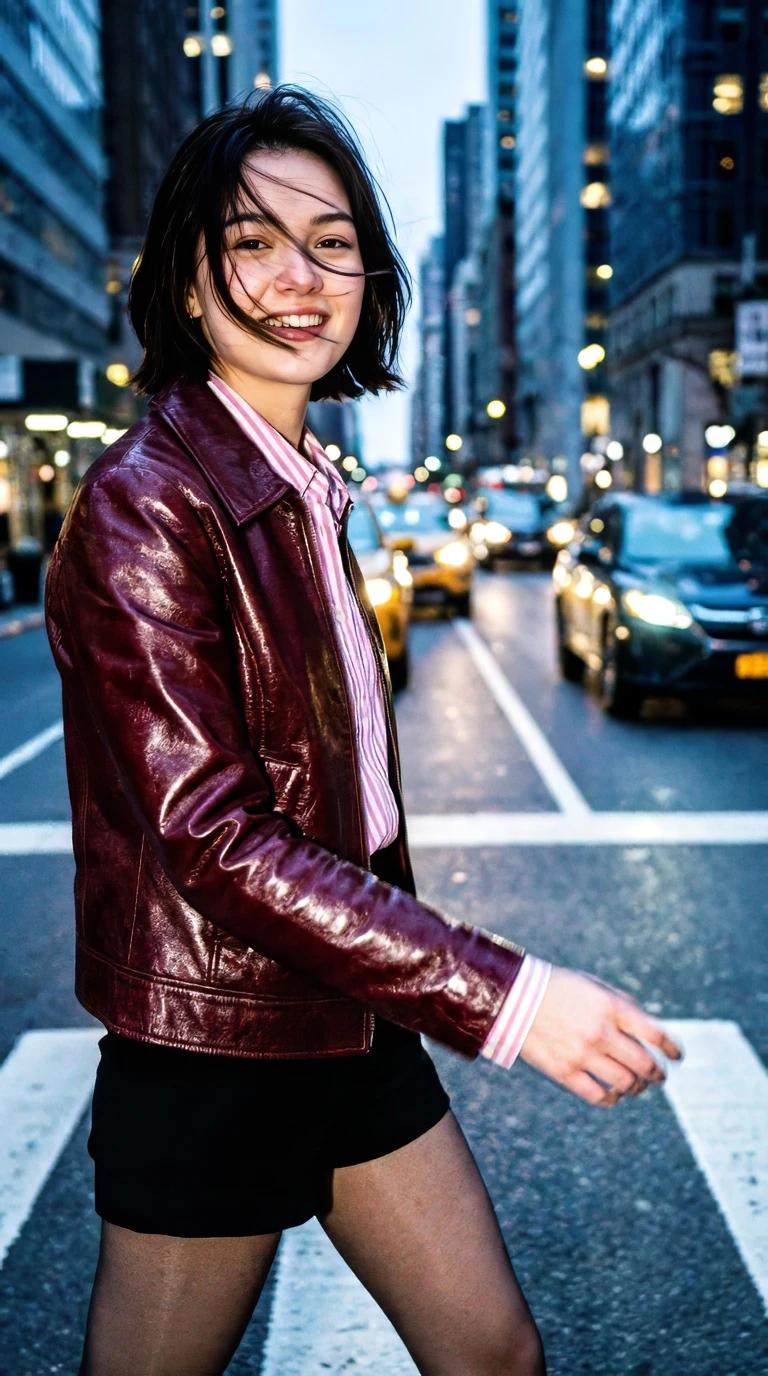 AprèsAvantAprès
Les deux vues montrent le même recadrage central. Vérifiez les contours, les textures fines et le bruit restant.
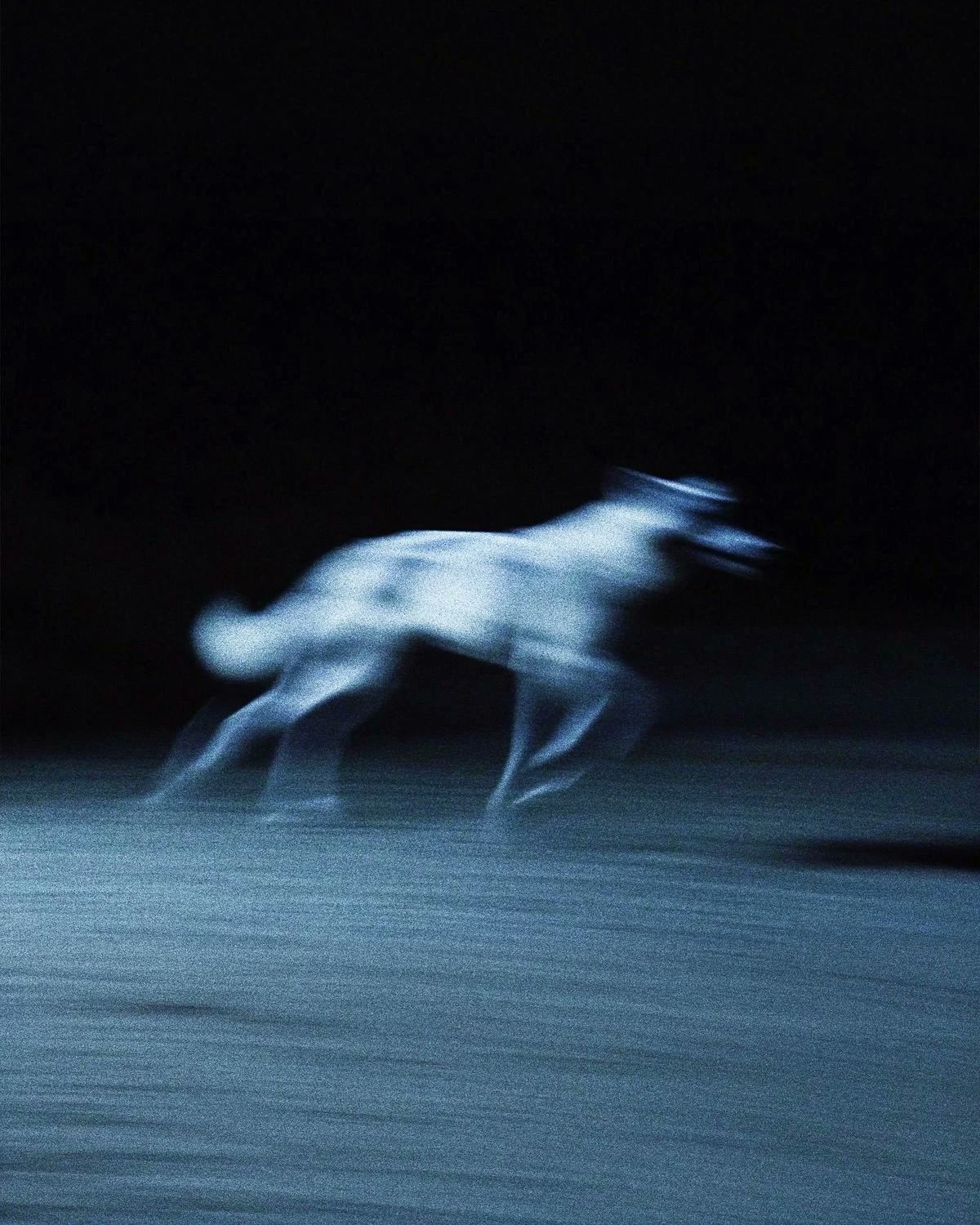 Avant
Avant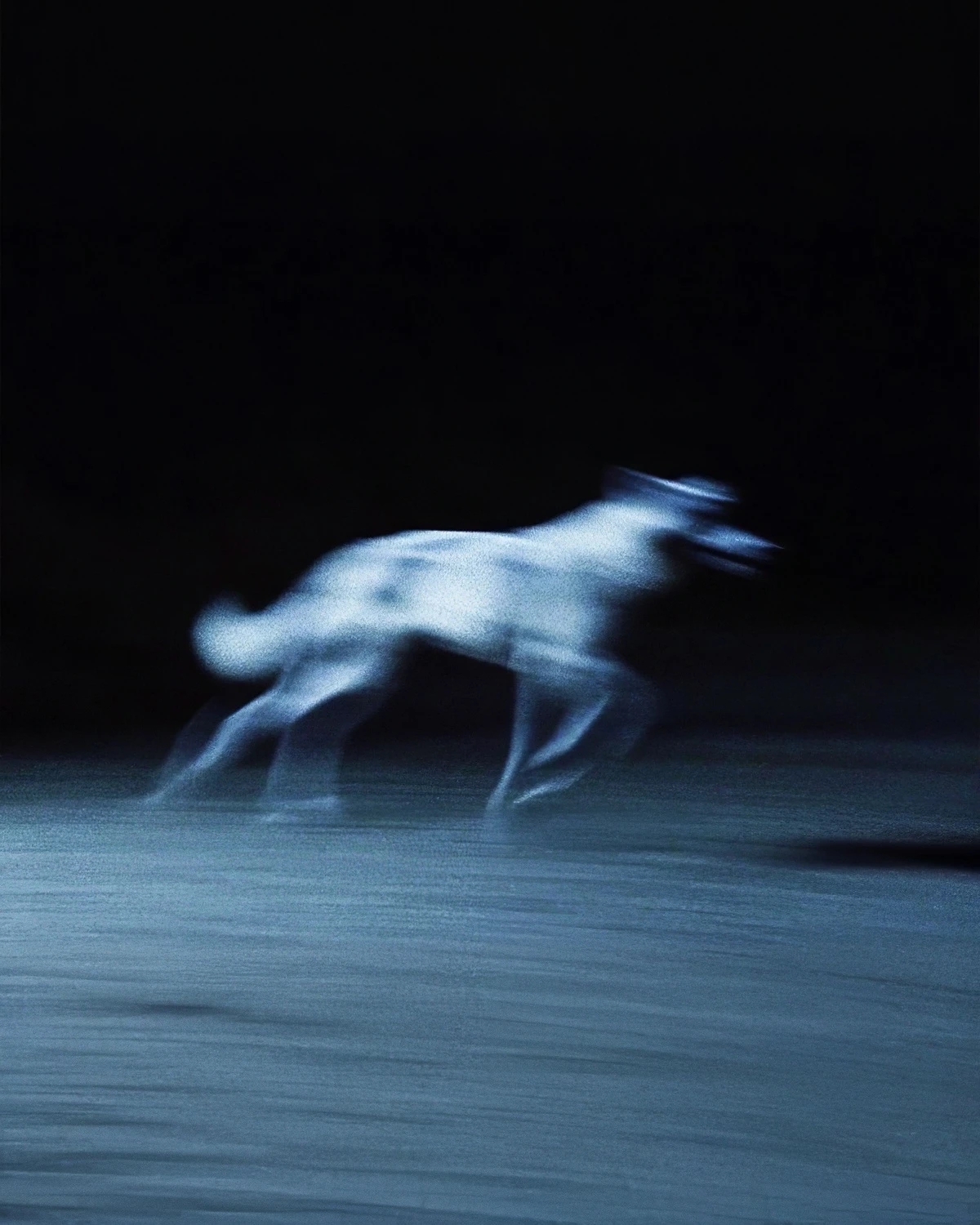 AprèsAvantAprès
Les deux vues montrent le même recadrage central. Vérifiez les contours, les textures fines et le bruit restant.
Comparez d’abord les mêmes zones de la source et du résultat. Peau, tissu, petites lettres et contours fins peuvent se lisser avec le bruit. Commencez par Normal et envisagez Strong ou Extreme si retirer le grain importe davantage que la texture concernée. Agrandir l’aperçu ne crée pas de détails : les deux recadrages montrent le même centre. Gardez l’original pour retrouver sa texture. Le débruitage ne remplace pas une nouvelle prise de vue si le problème principal est le flou de mouvement ou l’absence de détails.
Importez la photo, traitez-la puis vérifiez le résultat.
Choisissez un JPEG, PNG ou autre image fixe avec du grain ou un bruit ISO visible.
Réduisez le bruit et vérifiez que les détails et les couleurs vous conviennent.
Examinez le rendu puis enregistrez-le pour la retouche ou la publication.
Traitement des photos fixes présentant du bruit.
Cible le grain et le bruit du capteur plutôt qu’un flou volontaire de toute l’image.
Vérifiez cheveux, tissus et contours après le traitement.
Envoyez une tâche en ligne sans installer de logiciel de bureau.
Examinez le bruit des prises nocturnes, intérieures ou à sensibilité élevée.
Importez, choisissez le traitement, vérifiez puis téléchargez.
Poursuivez avec les autres outils d’image du même compte Goglo.
Choisissez les images selon l’origine du bruit visible.
Réduisez un grain marqué sur les photos de rue ou d’événements prises après la tombée du jour.
Vérifiez et réduisez le bruit coloré avant la retouche ou le travail du fond.
Avant une restauration, réduisez modérément le grain du film ou le bruit du scanner.
Vérifiez le fonctionnement avant de préparer une série de photos.
Chaque tâche envoyée consomme 15 crédits. Ouvrir l’outil ou consulter les exemples ne traite aucune nouvelle photo. Les crédits d’essai dépendent de votre compte.
Une tâche traite une image. Répétez le parcours pour les autres photos ; cette page ne propose pas d’import par lot.
Le catalogue public d’API ne répertorie pas le débruitage d’image. Un forfait payant ne garantit pas l’accès API à cet outil.
Limites du traitement et vérification du rendu.
Il réduit le grain et le bruit du capteur tout en essayant de préserver contours et détails utiles.
Le traitement coûte 15 crédits par tâche. Consultez votre solde et les tarifs ; aucun traitement gratuit ou illimité n’est promis.
Il vise à réduire le bruit sans flou excessif. Une source très bruitée peut tout de même paraître plus douce.
Les photos à ISO élevé, en faible lumière ou légèrement granuleuses. Les photos déjà floues en profitent généralement moins.
Commencez par Normal et examinez un détail. Strong et Extreme peuvent retirer plus de bruit, mais aussi lisser la peau, les tissus et les contours fins.
Vous pouvez essayer, mais le rendu varie. Les photos à grain naturel conviennent souvent mieux que les captures aux aplats uniformes.
La durée dépend de la taille et de la file d’attente ; aucun délai fixe n’est garanti.
L’import sert à votre tâche. Consultez la politique de confidentialité et les règles de contenu pour la gestion des fichiers.
Cela dépend du forfait et de vos droits sur la photo source. Consultez les conditions et les tarifs.
Importez et traitez une image dans l’outil en haut de cette page ou dans l’espace de débruitage.
Il cible surtout bruit et grain. Pour un fort flou de mouvement, envisagez amélioration ou netteté.
L’interface traite une photo par tâche. Le traitement par lot et l’API publique de débruitage ne sont pas disponibles ici.
Importez une photo, examinez le résultat et téléchargez-le pour poursuivre votre travail.